Android Build 를 위해 설치해야 할 것들
나는 Windows OS를 사용 중이다
나는 Cursor Ai를 사용하려 한다
나는 Capacitor를 사용하려 한다
나는 Android 배포를 하려 한다
그렇다면 아래 모두 설치하길 권장한다!!
0. Cursor ai
1. Node.js
2. Java JDK
3. VsCode
4. Android Studio
5. Capacitor
물론 이것이 표준은 아니다, 또한 각각 대체할 프로그램이 있겠지만.
나는 이것들을 사용해서 바이브코딩했고, 빌드했고, 배포, 구글플레이 출시 완료.
애드몹 광고설정 완료한 상태이다.
어째든 이것으로 완성했고, 아직까지 난 이 방법밖에 모른다.ㅜㅜ
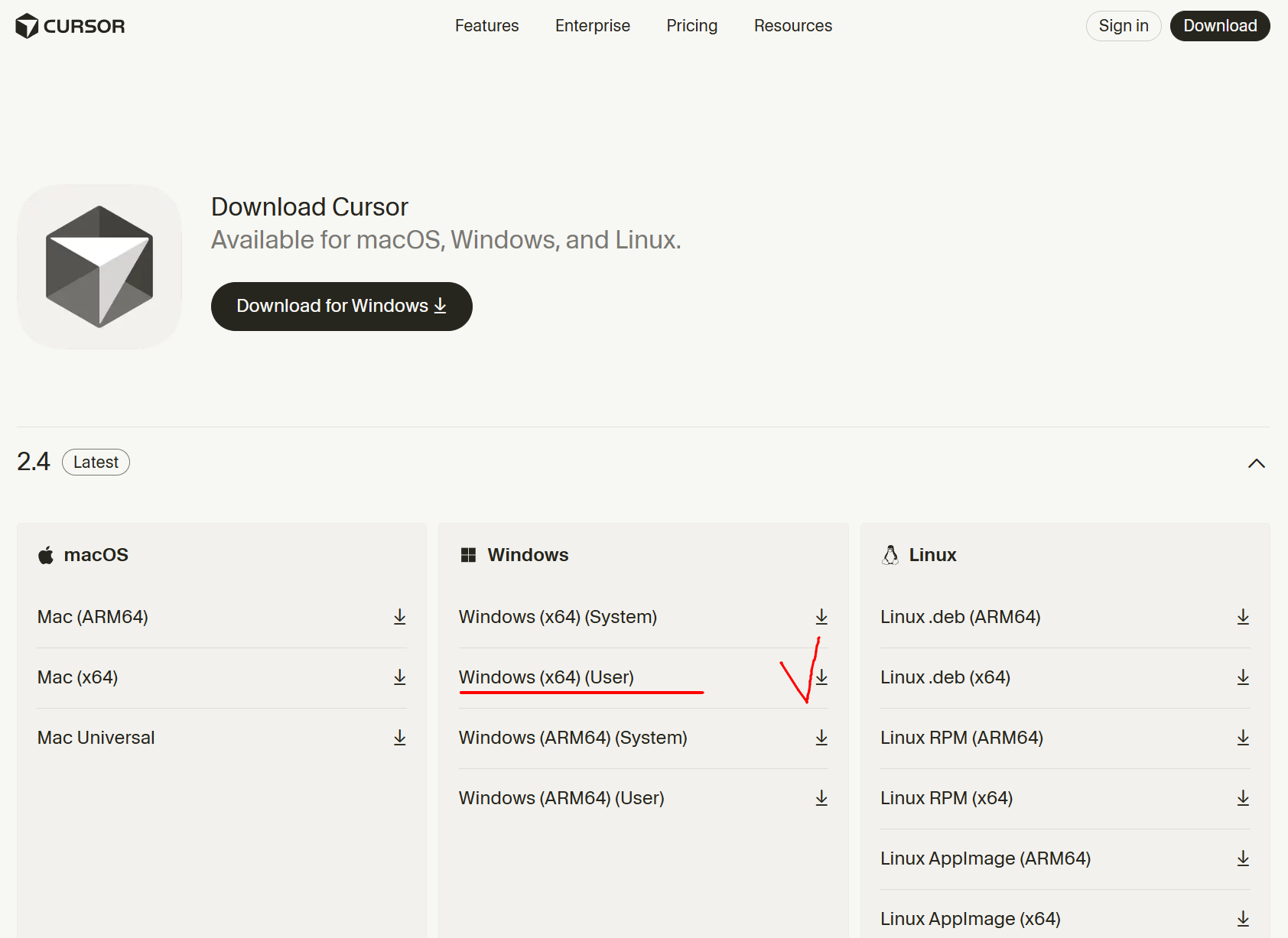
0. Cursor ai
- 바이브 코딩을 위한 최적의 프로그램
Download
Download Cursor for macOS, Windows, and Linux.
cursor.com
1. Node.js
- npm을 사용하고, capacitor를 사용하기 위해 필수 설치
Node.js — Node.js® 다운로드
Node.js® is a free, open-source, cross-platform JavaScript runtime environment that lets developers create servers, web apps, command line tools and scripts.
nodejs.org
2. Java JDK (azul open jdk)
- Android Studio를 통한 Simulator 사용을 위해서는 필수 설치
- version 17 릴리즈를 선택 설치함 (호환성, 에러방지)
Core Post Download
Demo: Azul Platform Core Watch a short demo where you’ll see a high-level visualization of Azul Platform Core in action.
www.azul.com
3. VsCode
- 범용 IDE, 그냥 일단 설치
Download Visual Studio Code - Mac, Linux, Windows
Visual Studio Code is free and available on your favorite platform - Linux, macOS, and Windows. Download Visual Studio Code to experience a redefined code editor, optimized for building and debugging modern web and cloud applications.
code.visualstudio.com
4. Android Studio
- 안드로이드 앱으로 빌드하고 플레이스토어에 배포하기 위해서 필수 설치
Visual Studio Code - The open source AI code editor
Visual Studio Code redefines AI-powered coding with GitHub Copilot for building and debugging modern web and cloud applications. Visual Studio Code is free and available on your favorite platform - Linux, macOS, and Windows.
code.visualstudio.com
5. Capacitor
- Typescript, Vite 사용한 빌드 시 필수 설치
- 커서 터미널(cmd)에서 설치
npm install @capacitor/cli @capacitor/core @capacitor/android
BR.h
'AI.' 카테고리의 다른 글
| Cursor AI에서 버전 관리 (0) | 2026.01.17 |
|---|---|
| 자바(Java) 컴파일러 버전(21)과 코틀린(Kotlin) 컴파일러 버전(17)이 서로 달라서 발생하는 문제 (0) | 2026.01.17 |
| Cursor AI 에서 원하는 부분만 확실히 수정하기 (1) | 2026.01.17 |
| Antigravity 에서 Flutter 앱 화면보면서 수정하기 (0) | 2026.01.15 |
| Antigravity에서 Flutter로 앱 빌드하기 (0) | 2026.01.14 |


